How to get more Google reviews without asking each customer by hand
Want more Google reviews? Learn when to ask, what to write and how to send a review request after each visit without doing it all by hand.
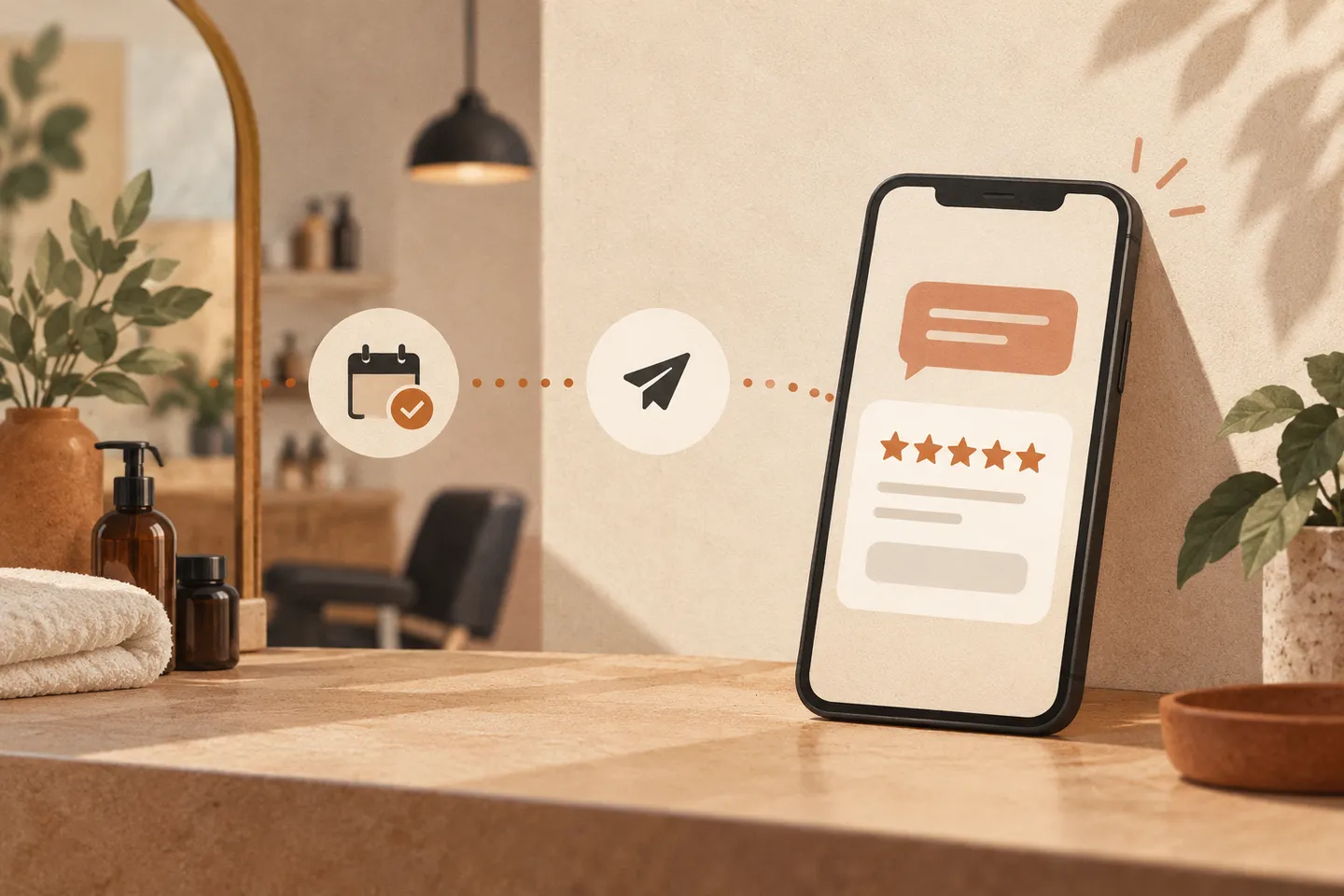
Most local businesses have far fewer Google reviews than happy customers. The reason is rarely quality. Nobody asks, or someone asks once in a while when they remember. An automation fixes that by asking every customer, at the same good moment, with a one-tap link.
Why reviews are worth automating
Reviews affect two things a small business cares about: whether you show up in local search and map results, and whether people who find you choose you. A steady flow of recent reviews also tells new customers you are active now, not three years ago.
The task itself is perfect for automation. It is repetitive, it follows a clear trigger (a finished appointment, a delivered order, a paid invoice) and it only needs one or two messages.
How review requests can be sent for you
- After the visit. A job is marked done: an appointment is completed in the booking system, an invoice is paid, an order is delivered.
- Wait. The system waits a short, fixed time. For salons and clinics, two to three hours works well. For trades and deliveries, the next morning.
- Ask. It sends one short SMS, WhatsApp or email with your direct review link. Your Google Business Profile gives you this link under “Ask for reviews”.
- Remind once. If there is no click after three days, it sends one gentle reminder. Then it stops.
- Pass on replies. If someone replies with a complaint instead of a review, the message goes to a person on your team the same day.
A good request is short and personal:
Hi Anna, thanks for coming in today. If you have 30 seconds, a review helps us a lot: [link]. — Marek, Studio North
The rules you must follow
Google’s review policies set clear limits, and breaking them can get reviews removed:
- Ask everyone the same way. You cannot send the review link only to customers who said they were happy (“review gating”). A private feedback form is fine, but every customer should still get the same chance to leave a public review.
- No incentives. No discounts, gifts or prize draws in exchange for reviews.
- No writing reviews for customers, and no reviews from staff or family.
Also respect privacy law: only message customers who gave you their contact details for your service, and include an easy way to opt out.
What to prepare before you start
Connect the system that records completed work to your messaging tool. Prepare a direct review link, a short message template and a clear process for handling replies. Test with your team before enabling it for customers.
Mistakes to avoid
- Asking too late. A week after the visit, the feeling is gone. Ask the same day.
- Long messages. One sentence and a link. Nothing else.
- Sending from a no-reply address. Let customers reply, and make sure someone reads the replies.
- More than one reminder. One is helpful. Three is spam.
Where to start
Start with the calendar, booking tool or invoice tool you already use. It needs to tell the reminder tool when a visit or job is finished. If you are unsure how to connect them, show us what you use and we will check it for you.
If you would rather have it set up for you, we can connect it to your existing tools in about a week.