How to remind a customer about an unpaid invoice
Send a polite unpaid invoice reminder with a useful email template, a clear reply process and checks that stop messages after payment.
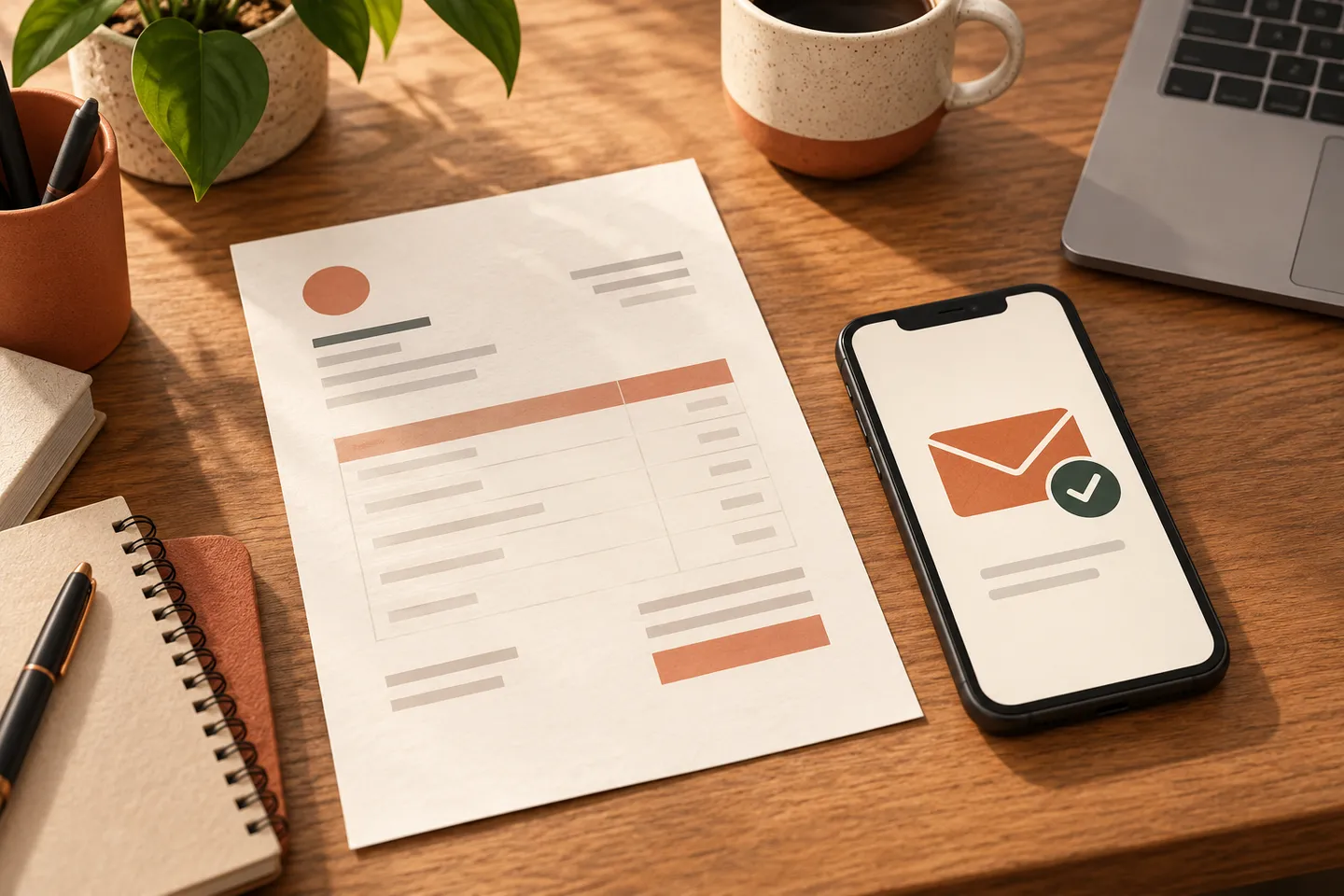
An invoice is overdue, but you do not want to sound rude. A useful first reminder is calm and specific: identify the invoice, make it easy to find and ask whether anything is preventing payment. Before sending it, check that the money has not already arrived.
This guide is about organising reminders, not deciding legal action, interest or penalties. Keep any disputed invoice with the person responsible for the customer relationship.
Check the invoice before you send anything
Confirm the invoice number, due date, customer contact and current payment status. Check bank or accounting updates if they arrive later than the invoice tool. A payment made yesterday may not yet appear in another system.
Give each invoice one clear status: waiting, reminder due, customer replied, paid or needs a person. That is more useful than several overlapping lists. Agree who handles replies so a customer is not asked the same question by three colleagues.
A polite reminder template
This is a fictional example, with placeholders rather than customer details:
Subject: A quick check on invoice [number]
Hello [name], our records show invoice [number], due on [date], is still open. I have attached a copy for reference. If you have already paid, please let us know so we can check. Is there anything you need from us? Thank you, [name and business].
Use your usual business address and let the customer reply. Only add a payment link after checking that it belongs to your business and opens the correct invoice. Do not include new bank details in a reminder without your normal verification process.
How to stop doing every reminder by hand
- Your invoice tool identifies invoices past their agreed due date.
- The setup checks for recent payment, an existing reply or a reminder already sent.
- Eligible invoices receive the message approved by your team.
- The send time and result are recorded against that invoice.
- A reply pauses further reminders. A person handles questions, missing documents and disagreements.
- A confirmed payment closes the reminder task, including any scheduled messages.
The first reminder might be scheduled after the due date, but choose the timing for your customers and bookkeeping process. Do not copy a fixed sequence without checking whether it fits how you work.
What should pause the messages?
| Situation | Next step |
|---|---|
| Customer says they already paid | Check the payment before sending again |
| Invoice is incorrect | Pause and correct the records |
| Customer asks a question | Give the reply to a named person |
| A payment plan is agreed | Let the responsible person update the schedule |
| Email bounces | Check the contact details |
A reminder process should not make payment decisions on its own. It should make unfinished work visible and stop when a person needs to step in.
Test before switching it on
Use test records for an unpaid invoice, an invoice paid just before sending, a partial payment, a customer reply and two invoices for the same customer. Check that messages do not duplicate each other and that a paid invoice cannot remain in the queue. Test the stop rule as carefully as the send rule.
What to measure
Track reminders sent, replies waiting, paid invoices and records corrected before a message went out. Compare similar invoice groups and note other changes, such as new payment terms. Do not assume every payment after a reminder was caused by that reminder.
Where to start
Choose one type of overdue invoice and write the message you would send yourself. We can help connect it to your existing invoice tool and create a queue your team can actually manage.